
What a Family Address Book App Should Actually Do
Not every address book app understands families. Here's what to look for, and how KiriBook approaches it differently.

Search for "address book app" and you will mostly find contact managers: phone-style apps that store a name, a number, and maybe an address, one person at a time. That works fine for a personal contacts list. It falls apart the moment you are trying to track a family.
Families are not lists of individuals. They are households, and households have structure a plain contacts app was never built to hold.
Where a generic contacts app runs into trouble
Think about what actually happens when you try to use your phone's contacts app, or a basic address book app, to track extended family.
Every person is a separate, disconnected entry. Your aunt, uncle, and three cousins who all live at the same address end up as five contacts with no relationship to each other and, often, five slightly different versions of the same address, because whoever entered them typed it fresh each time.
There is nowhere to put a household's shared information. A shared landline, a shared mailing address, a family surname that is different from an individual's legal name after a marriage or a name change, none of that has a natural home in a one-person-per-entry model.
Nothing tracks what changes over time. When someone moves, you edit the entry and the old address is gone. If you ever need to know where someone used to live, whether for a mailing you are following up on or just to double-check you have the right update, there is no record.
There is no way to group by relationship or purpose. "Everyone on my mom's side," "people who came to the wedding," "households with kids" are the kinds of groups families actually think in. A flat contacts list has no concept of any of them beyond whatever tags the app happens to offer, which are usually built for business contacts, not relatives.
Sharing is all-or-nothing. Either everyone sees your entire contacts list, or nobody does, and you become the sole point of failure for keeping forty people's information current.
None of these are minor annoyances. They are the reason a "family address book" search usually leads people back to a spreadsheet, which has its own, different set of problems.
For the practical version of this, start with How to Organize Contact Info.
What a family-first address book app looks like instead
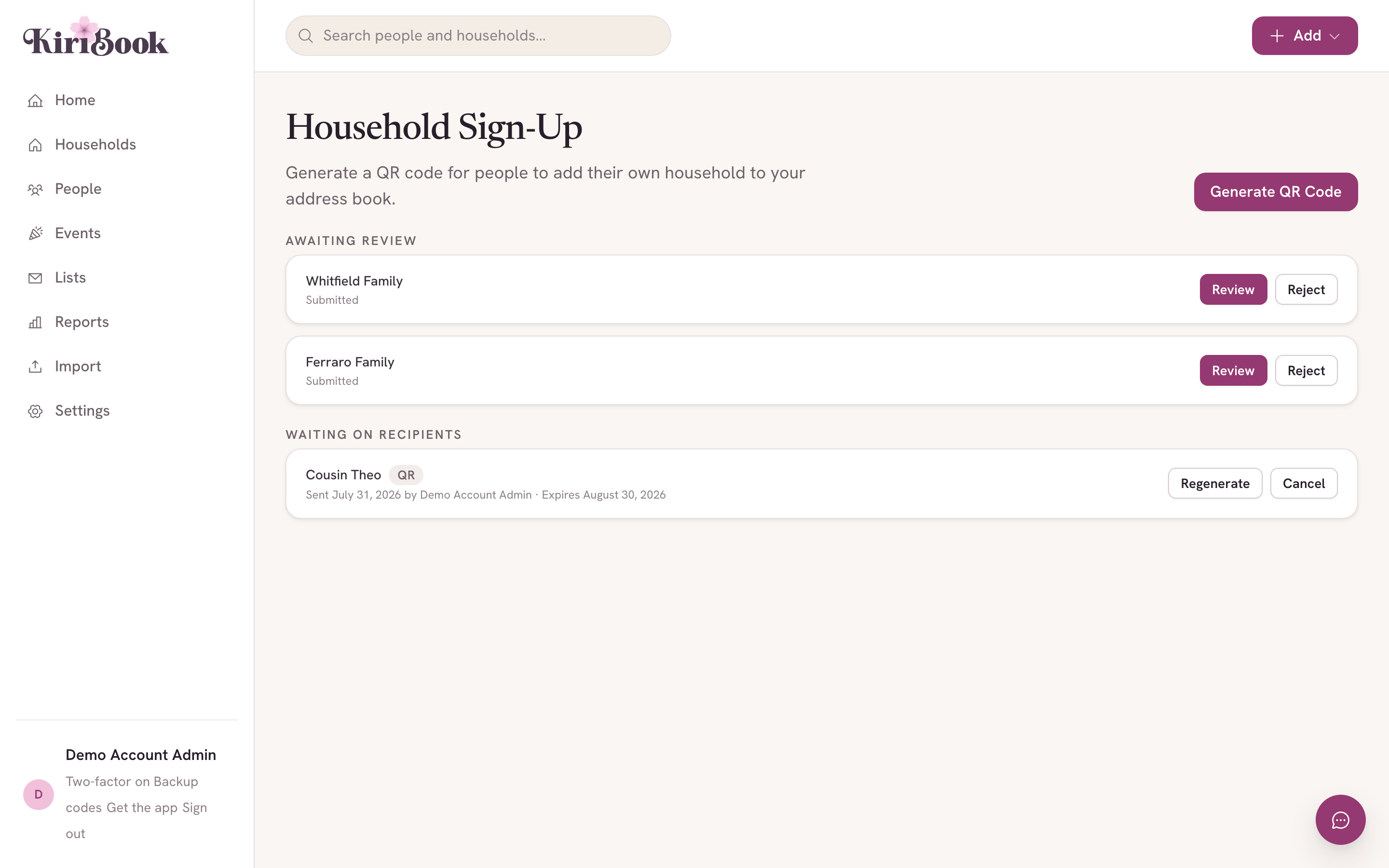
The fix is not a better contacts app. It is an app that treats the household, not the individual, as the basic unit.
That single change solves most of the list above on its own:
- A household holds everyone who lives there and one shared address, so you are not duplicating information across five separate entries.
- Moving is handled as a change to the household's address, with the old one kept on record instead of overwritten, so history is never lost.
- Relationships between people, and between households (in-laws, blended families, a household that split into two), can actually be represented instead of flattened into disconnected entries.
- Grouping happens by tag, so "mom's side," "wedding guests," or "families with young kids" are real, filterable lists, not a manual sort every time you need one.
- Updates can come from the people themselves, with the household owner approving each change, instead of one person being responsible for retyping everyone else's information.
If the category itself is new to you, read Family Directory Software: What It Is and When You Need It.
How KiriBook applies this
KiriBook is built around exactly this model. Every record starts as a household: a display name, an address, and the people who live there, with birthdates, relationships to each other, and contact details attached at the person level where they belong.
Addresses keep their history. When the Kims move from the old house to the new one, KiriBook keeps both on file with dates attached, so you always know which is current without losing the trail.
Tags work like mailing lists you actually control: family, friends, "card list," a one-off group for a reunion or a shower, applied to as many households as you want, filtered and exported whenever you need labels or a mailing list. If a relative's information changes, they can submit the update themselves, and you approve it before it takes effect on your record, so you stay the one who says yes without having to be the one who types.
For the times you would rather not type at all, KiriBook can read a returned card or an envelope you received for you: photograph it, and it matches the address to the right household for you to confirm. Every free account gets five scans to try it; the paid plan makes it unlimited.
Getting started is free for up to 25 households and 100 people, which covers most people's actual extended family and close-friend list without any cost. Beyond that, the paid plan is $59 a year.
See it with your own list
If you have been hunting for an address book app that actually understands what a family is, the fastest way to know is to try it with your own list. Try a family address book built for moves, milestones, and mail → Free for up to 25 households, no card required.