
The Best Google Sheets Alternative for your Family's Address Book
Your family contacts spreadsheet works until it doesn't. Here's what actually breaks, and a purpose-built alternative worth trying.
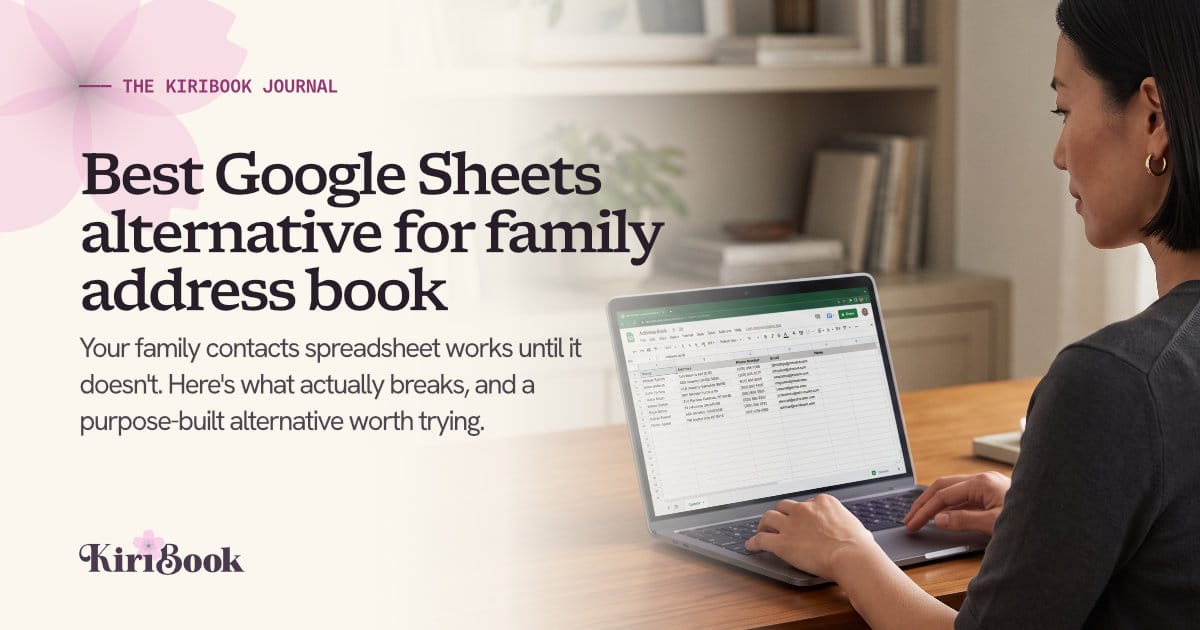
Somewhere in your Google Drive is a spreadsheet called "Address Book" or "Christmas Card List" or, if you are being honest, "Addresses FINAL v3." You built it a few years ago, probably before a holiday card deadline, and it has been limping along ever since. Every December you open it, wince at the yellow highlighted rows nobody has fixed, and start typing.
If that sounds familiar, you are not doing anything wrong. A spreadsheet is a reasonable first tool for tracking family contacts. It is just not built for the job it ends up doing.
Why the spreadsheet stops working
A spreadsheet is a grid of cells. A family is not. That mismatch is where the trouble starts.
People move, and the old address just gets typed over. There is no way to tell, six months later, whether your cousin's current row reflects where she lives now or where she lived when the sheet was last updated. You find out the hard way when a card comes back.
One person means one row, but families are not lists of individuals. A household is a unit: parents, kids, sometimes grandparents, sometimes a name that changed after a wedding or a divorce. Spreadsheets have no concept of "these five people share one address and one card." You end up either duplicating addresses across rows or collapsing a household into a single name and losing everyone else.
There is no owner of the data but you. If your sister has a new address, she cannot fix her own row. She has to text you, you have to remember to update it, and if you are mid-holiday-season with forty other things going on, that text sits unread until the card bounces.
Filtering by hand does not scale. Want to print labels for just the family side, or just the people who came to Thanksgiving, or just the households with kids under ten for a birthday party invite list? Sure, if you are willing to eyeball a spreadsheet and manually copy rows into a new tab, sort them, and hope you did not miss anyone.
None of this means your instincts were wrong. Wanting one place for everyone's addresses is exactly the right idea. The tool just was not built for it.
What to look for in an alternative
Before picking a replacement, it is worth being specific about what a spreadsheet is actually failing to do, because that is the checklist for anything you switch to:
- Keep history, not just the current value. When someone moves, the old address should be kept, not erased, so you always know which one is current and can look back if you need to.
- Model the household, not just the person. One record for the Petersons that holds everyone in that house, with one shared address, instead of five duplicate rows.
- Let people update themselves. Someone's information should be able to come from them, with you approving the change, instead of you being the single point of failure for forty households' worth of address changes.
- Group people the way you actually think about them. Family versus friends, "sends cards" versus "doesn't," this year's reunion invite list versus last year's, without hand-sorting a spreadsheet every time.
- Get you to a printed label or an export fast. The whole point of the list is usually to mail something. Whatever tool holds your data should get you to print-ready mailing labels or an export without a detour through formatting a new sheet.
Need a clearer definition of the category before you compare tools? Read Family Directory Software: What It Is and When You Need It.
KiriBook is one option built around this
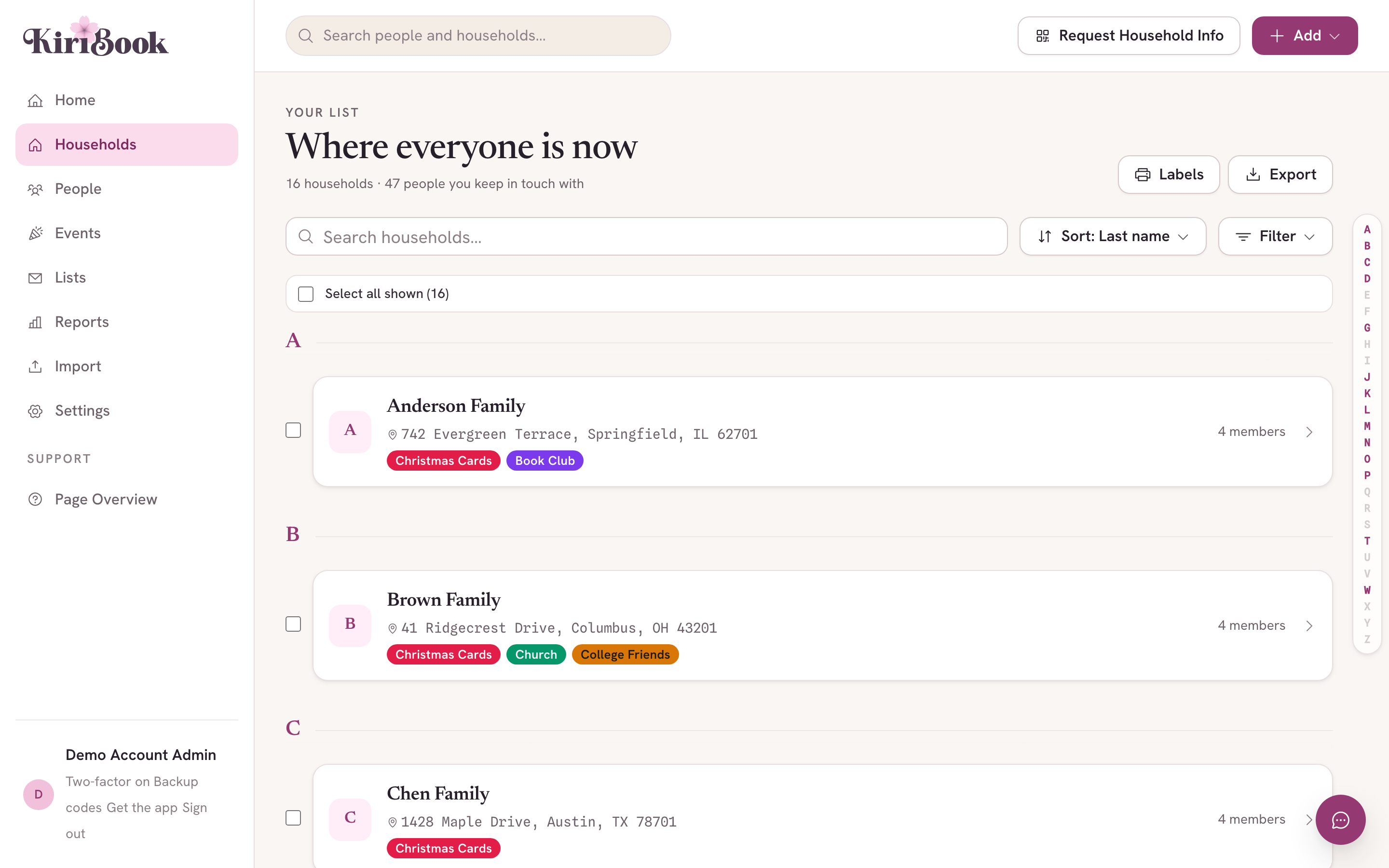
KiriBook is a household address book, built specifically to replace the family address book spreadsheet rather than to be a heavyweight sales-contact tool or a full-blown event planner.
The core difference is the household. Instead of a row per person, KiriBook holds a record per household, with everyone who lives there attached to it, and one address that the whole household shares. When someone moves, KiriBook keeps the old address on file instead of overwriting it, so your record of "where everyone has lived" stays intact.
You can tag households however makes sense to you, family, friends, "card list," "reunion 2026," and pull a filtered list or a set of print-ready labels for any tag in a couple of clicks. If you would rather scan the cards you received than retype every return address by hand, KiriBook's envelope scan reads the address off of a picture and matches it to the right household for you to confirm, five scans free on any account, unlimited on the paid plan.
And you are still the one who says yes. Relatives and friends can be given a way to update their own address, but nothing changes on your record until you approve it. It is closer to a shared inbox for updates than an open-edit spreadsheet.
KiriBook has a free tier that covers up to 25 households and 100 people, which is enough for most people's actual card list. Past that, the paid plan is $59 a year, less than the cost of the stamps you will save by not mailing cards to someone's old apartment.
Try it before your next mailing
If your family spreadsheet has quietly become more trouble than it is worth, you do not have to fix it by hand one more time. Import your address spreadsheet, then stop maintaining it → CSV, Excel, Numbers, Google, Microsoft, or Apple. Free for up to 25 households, no card required.